From a Moment to a Flat Star Chart
When you enter a local date, time, and place, a star-map renderer has to solve three different problems: identify an unambiguous instant, rotate catalogue coordinates into the observer's local sky, and project a hemisphere onto a flat design.
Those operations descend from a long tradition of celestial calculation and mapmaking. The history of star maps shows how hand-drawn charts, printed atlases, and space-era catalogues led to today's generated posters.
This article documents the OwnStarMap implementation as it exists now. It does not infer features from what other astronomy software can do.
Step 1: Read the Public Star Input
The editor loads 8,921 source records from /data/stars.json. One is a record for the Sun; the renderer deliberately skips it because a fixed catalogue coordinate is not a solar ephemeris. The other records include fixed right ascension, declination, apparent magnitude, and identifiers.
The local file is derived from the HYG database. Its precise upstream release was not recorded when it entered the project, so the evidence does not support a release number. The public evidence manifest records the current file's SHA-256 checksum, count, fields, and provenance limitation.
An input count is not an output count. Later steps remove records below the horizon and outside the selected poster shape.
Step 2: Convert Local Civil Time to UTC
“8:00 PM” is incomplete without a place and date. The renderer first interprets the selected civil time using the relevant time zone and daylight-saving rule, then converts it to UTC.
This step is easy to underestimate. A one-hour input error changes the Earth's rotation angle used for the chart by roughly 15 degrees. Historical daylight-saving rules therefore matter more to a commemorative chart than adding extra decorative detail.
Step 3: Calculate Sidereal Time
UTC is converted to a Julian Date, a continuous time value used in astronomy. The implementation derives Greenwich Mean Sidereal Time and adds the observer's longitude to obtain Local Sidereal Time.
Local Sidereal Time tells the renderer which right ascension crosses the observer's meridian. The U.S. Naval Observatory guide explains the connection between Julian dates, Earth's rotation, Greenwich sidereal time, and longitude.
Step 4: Transform Equatorial Coordinates to the Local Horizon
Catalogue coordinates are equatorial:
- Right ascension locates a direction around the celestial equator.
- Declination locates it north or south of that equator.
The renderer combines right ascension, declination, Local Sidereal Time, and observer latitude to obtain horizontal coordinates:
- Altitude is the angle above or below the ideal horizon.
- Azimuth is the direction around that horizon.
Records with negative altitude are below the geometric horizon and are not drawn. The current calculation uses fixed catalogue coordinates; it does not apply precession or proper motion. This limitation becomes increasingly relevant for dates far from the catalogue epoch and for astrometric use.
Step 5: Apply a Stereographic Projection
The visible sky is a curved hemisphere, so no flat poster can preserve every spatial property. OwnStarMap uses a stereographic projection centered on the zenith. The zenith maps to the center and the ideal horizon to the circular edge before the selected design shape applies its own clipping.
Stereographic projection is conformal: it preserves local angles, which helps familiar star patterns remain recognizable. Scale still changes across the map, as it must in a flat representation of a sphere.
Step 6: Add Constellation Guides
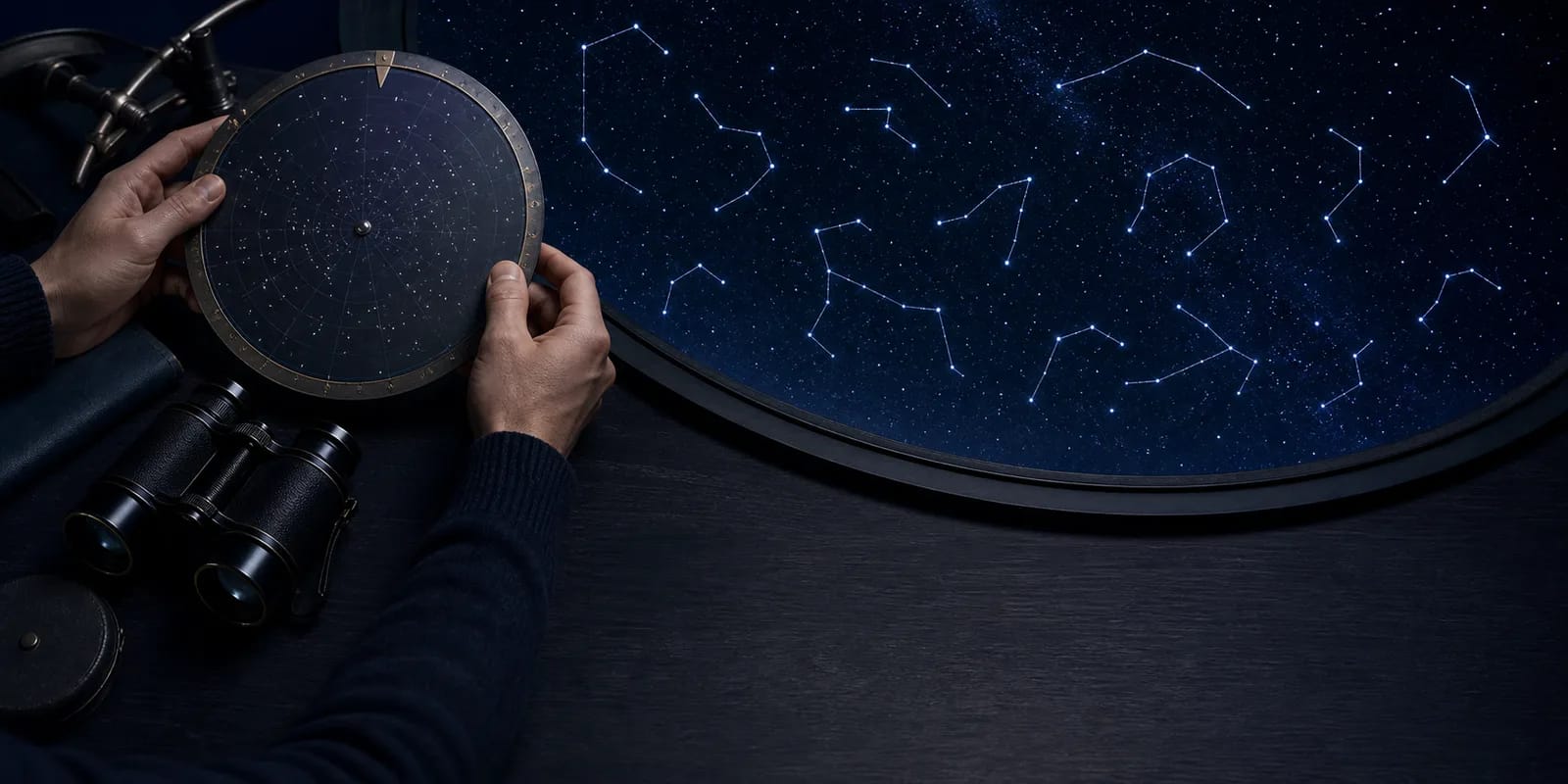
The local constellation file contains 88 sets of conventional segment pairs. When the option is enabled, the renderer joins the relevant catalogue stars and can add labels.
The International Astronomical Union recognizes 88 constellations as regions with defined sky boundaries. Those official boundary polygons are not the same thing as stick-figure lines. OwnStarMap's line sets are visual reading aids, not official IAU geometry.
Step 7: Compose the Design
Theme, typography, star size, labels, shape, and personal text turn the projected points into wall art. The Milky Way treatment is a procedural artistic layer; it is not a measured survey of the selected night's local sky. Styling can be changed without changing the date, place, or fixed-star calculation.
What the Current Renderer Does Not Calculate
The poster is commemorative art rather than observing software. Its core renderer does not model:
- the Sun, Moon, or planets as moving objects;
- precession or proper motion applied to the fixed star input;
- atmospheric refraction near the horizon;
- mountains, buildings, trees, clouds, weather, or light pollution;
- a person's eyesight or the exposure settings of a camera;
- official constellation boundary polygons.
These omissions define the claim: the chart projects fixed catalogue star directions above an ideal horizon for the selected input. Use current planetarium or telescope-control software for an observing session.
How to Reproduce the Evidence
The method and limitations page links the exact star and constellation inputs, the generated evidence manifest, primary references, and the canonical maintainer. The manifest can be regenerated from the repository and compared by checksum.
For a visual check:
- Set an exact place, local date, and local time in the OwnStarMap preview.
- Enter the same coordinates and instant in Stellarium.
- Turn off landscape and atmosphere where possible.
- Compare named bright stars and broad constellation orientation, not decorative layers.
- Move time forward several hours and confirm that the horizon view rotates.
Near-horizon and epoch-sensitive positions can still differ because the planetarium may apply models that the poster deliberately omits.
Ready to capture your special moment?
Create a personalized star map in minutes.
Design my Star Map — from 12,00 €